


RetroArcadeCrafts
Brook Wingman FGC 2 – Multi-Console to PS5 Converter & Adapter
Brook Wingman FGC 2 – Multi-Console to PS5 Converter & Adapter
Regular price
$59.00 USD
Regular price
Sale price
$59.00 USD
Unit price
per
Shipping calculated at checkout.
Couldn't load pickup availability

 View full details

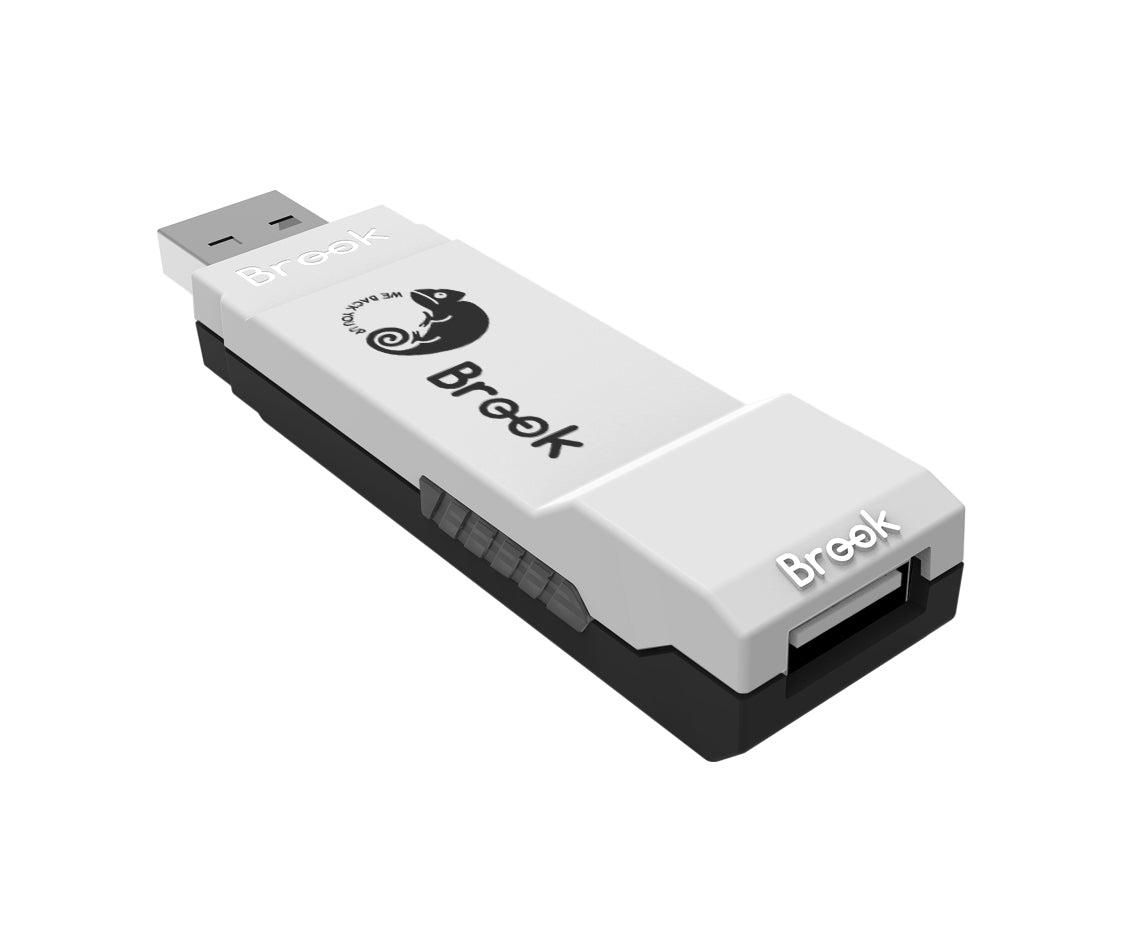


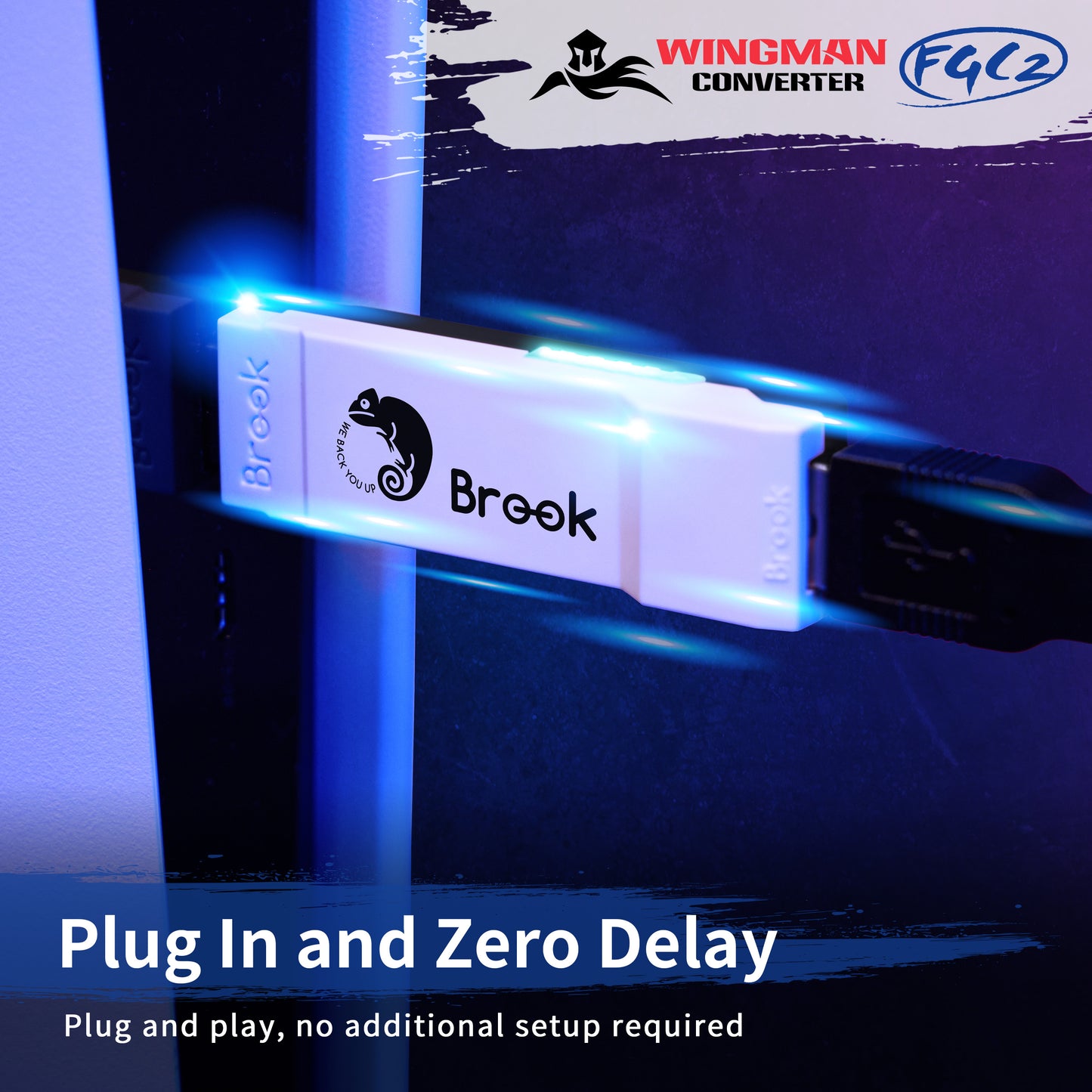
Use a compatible wired controller or arcade fightstick to play PlayStation 5 games. The Brook Wingman FGC 2 connects supported USB controllers to PS5 and also works with PC in X-Input mode. Unlike the original Wingman FGC, FGC 2 supports PS5 games across genres—not only fighting games.
Check controller compatibility before ordering: Brook guarantees support only for controllers shown on its official Wingman FGC 2 compatibility list. Controllers not listed may be untested or unsupported.
Compatibility at a glance
- Works with: PlayStation 5 and Windows PC (X-Input).
- Controller input: Compatible wired USB fightsticks and gamepads, including selected controllers originally designed for Xbox, PlayStation, and Nintendo Switch. Check your exact model on Brook's list.
- Not compatible with: PS4 consoles. The converter itself does not pair directly with wireless Bluetooth controllers.
- Limitations: Controller headset/audio output and motion controls are not supported.
- Vibration: Supported with compatible controllers.
Why choose Wingman FGC 2?
- All PS5 game genres: Play more than fighting games using a supported controller.
- Low-latency wired connection: Designed for responsive gameplay.
- Customization: Configure Turbo, button remapping, and macros through Brook Converter Center on PC.
- Competition-oriented: Tournament-focused default settings; always check the rules of your specific event.
- Upgradeable firmware: Brook provides updates for compatibility and fixes.
Getting started
- Confirm your controller appears on Brook's compatibility list.
- Connect the supported controller to the Wingman FGC 2, then plug the converter into your PS5 or PC.
- If the controller is not recognized, check for a firmware update and try the troubleshooting steps in Brook's support guide.
Official support: Product specifications and compatible controllers | Firmware downloads | Wingman FGC 2 FAQ
What's included
- 1 × Brook Wingman FGC 2 converter
- 1 × Quick guide